Strona jest chroniona przez reCAPTCHA.

Download the SDPROG program
Diagnostics, reading and clearing trouble codes, and monitoring parameters—compatible with cars, motorcycles, and ATVs.

Download the app, connect the diagnostic interface, and check your vehicle’s status in just a few minutes.
Quick Start (3 simple steps):
- Download and install the app on your device.
- Connect the diagnostic interface to the OBD2 port.
- Start the diagnostic process and monitor the vehicle’s parameters.
Don’t have an activation code yet? Click here
Download SDPROG, join the community of informed drivers, and take full control of your vehicle. Diagnose problems in just a few minutes and save money on unnecessary trips to the repair shop.
Download SDPROG TOOLS
Free tool for updating and configuring devices

Do you want to configure the SDPROG DASH display or update the SDPROG OBD / PRO interface? Download the dedicated SDPROG TOOLS app!
- No license required: This application is intended solely for firmware updates and hardware configuration.
- No fees: a free tool to manage your device.
- Quick setup: Download the latest software in just a few clicks.
Download SDPROG TOOLS to your device
Quick Start
Learn how to use SDPROG diagnostic solutions

SDPROG diagnostic software for Android / iOS


SDPROG OBD / PRO diagnostic interface


SDPROG DASH engine parameter monitor

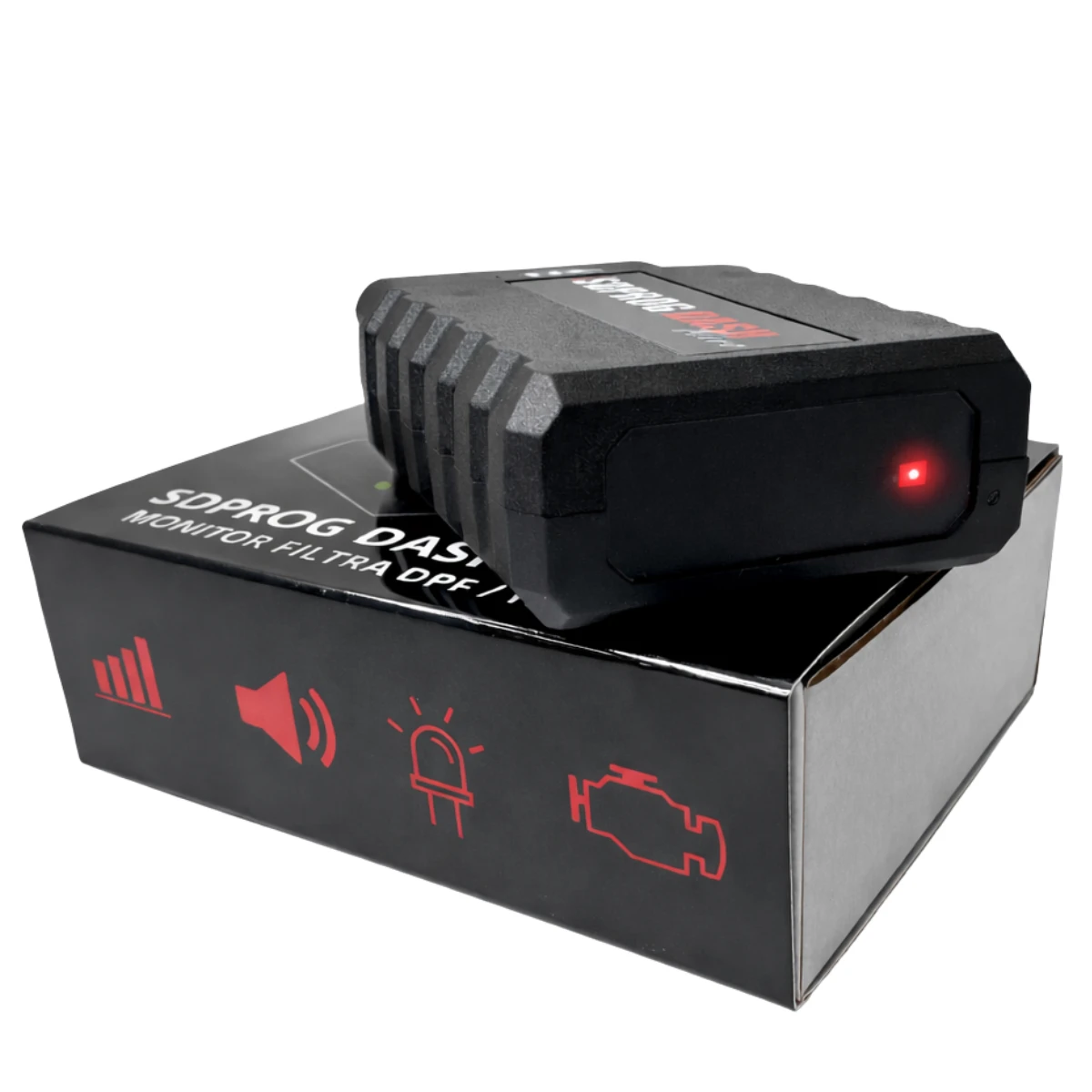
SDPROG DASH MICRO DPF filter monitor

Ready to take care of your vehicle with SDPROG?
Visit our store and choose a product that suits your needs.